9 VSCode Web-Dev Extensions you need
Essential VSCode extensions for web developers.

I am a web3 developer and I am passionate about CyberSecurity
Also writes on Medium - medium.com/@sahilchandravanshi/
Why extensions?
Visual Studio Code is widely used nowadays and there are a lot of contributors that create useful extensions for it, to give this editor superpowers. . With these tools, you may significantly accelerate your development and enhance teamwork.
Here are my top extensions that you should try in Vs Code:
🌟 Saklash Web Pack
You can install Saklash Web Pack to install all Web Dev essentials at once which are mentioned in this article or you can download them one by one.

1. ES7+ React/Redux/React-Native snippets
It provides many shorthand prefixes to accelerate development and help developers create code snippets and syntax for React, Redux, GraphQL, and React Native.
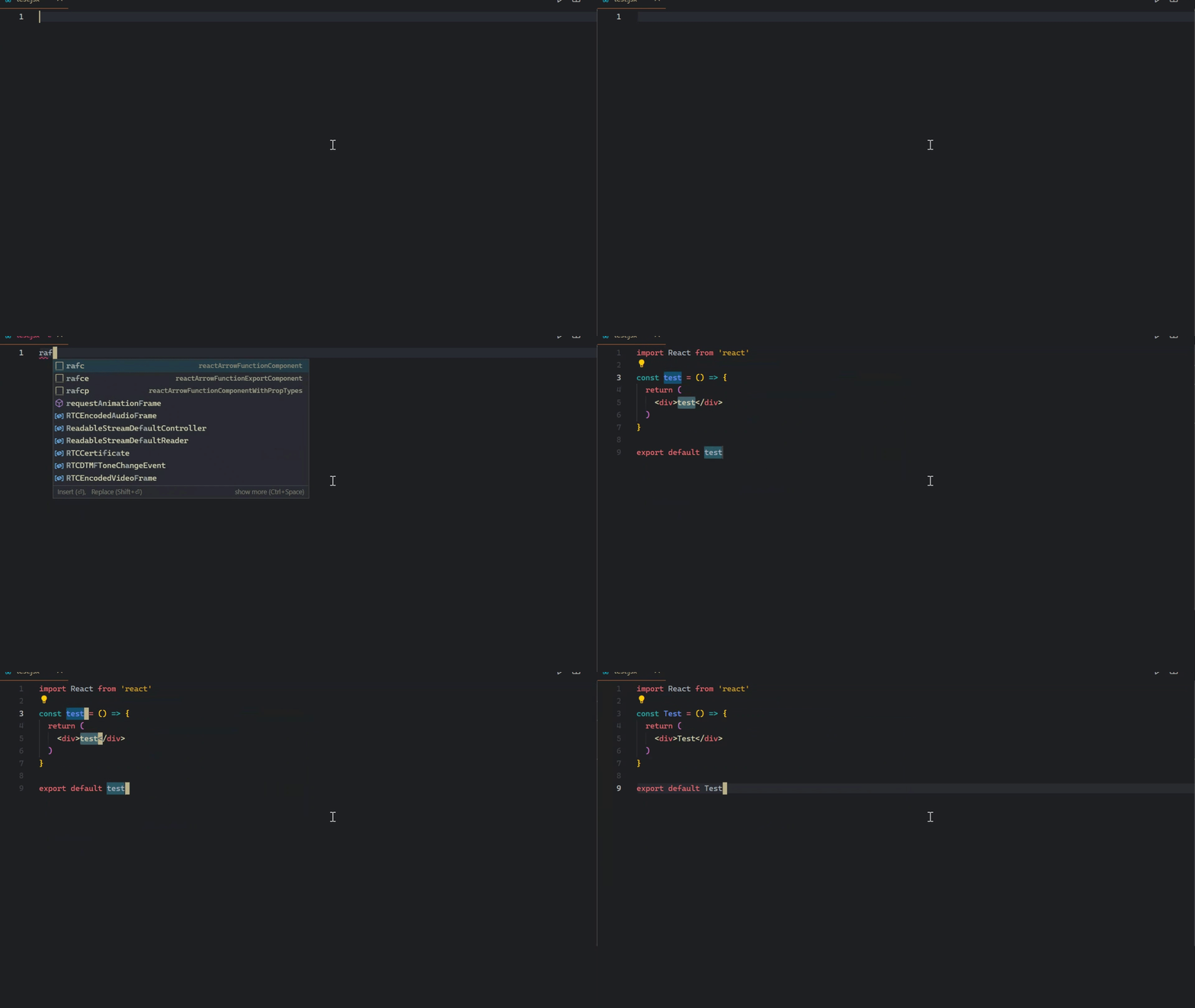
ES7+ React/Redux/React-Native snippets
2. ESLint
It is the linting utility for JavaScript. ESLint is used to find errors and bugs in the code and it lets you know in the editor itself. It also supports custom configuration, so you can define your custom validation rules for your projects.

3. Live server
Live Server spins up a light nodejs server and serves your HTML file and all assets from the given directory. On top of that, any saved changes you make to your website will be reflected immediately in the browser, which gives a really fast and enjoyable developer experience.
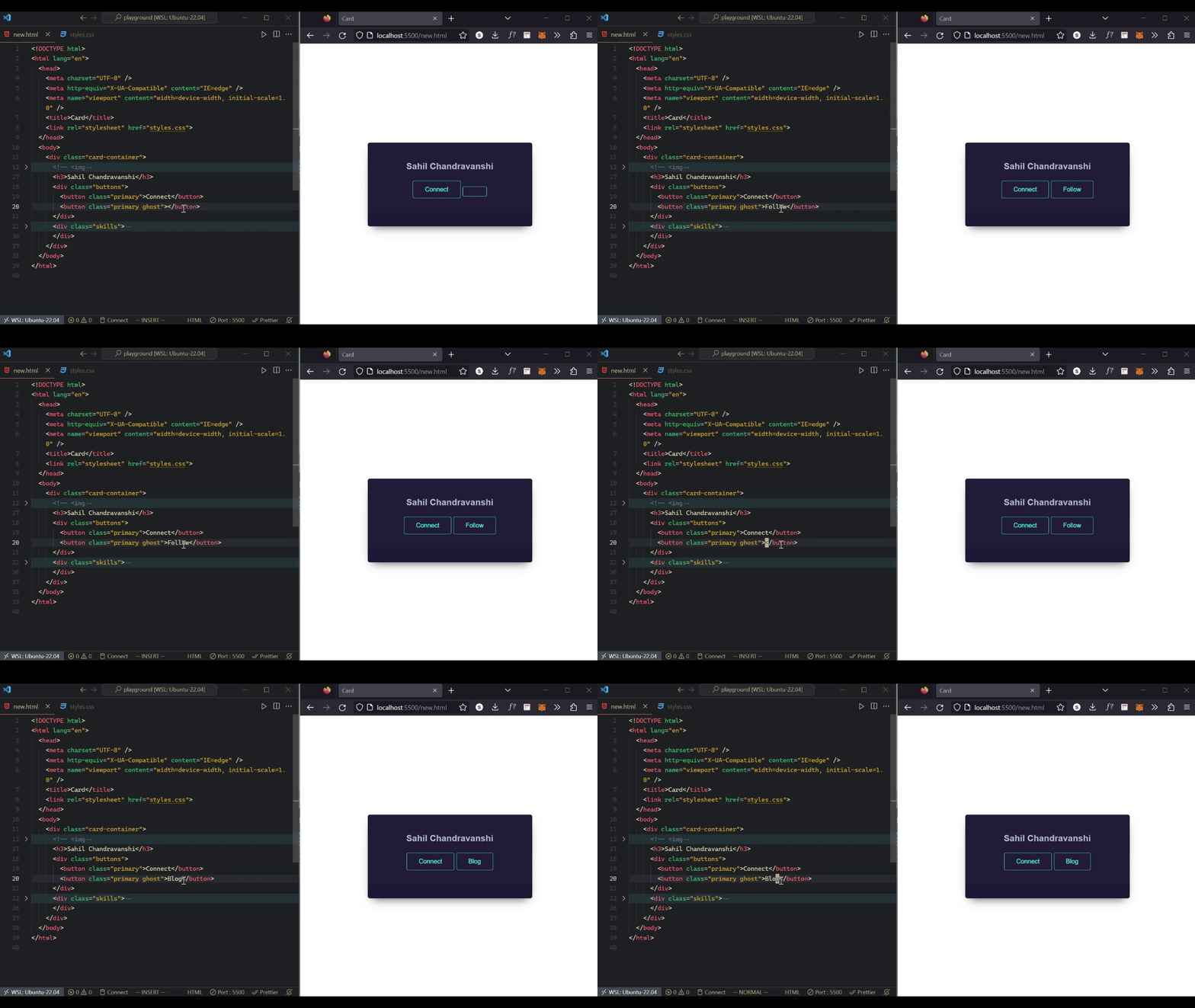
4. Auto Rename Tag
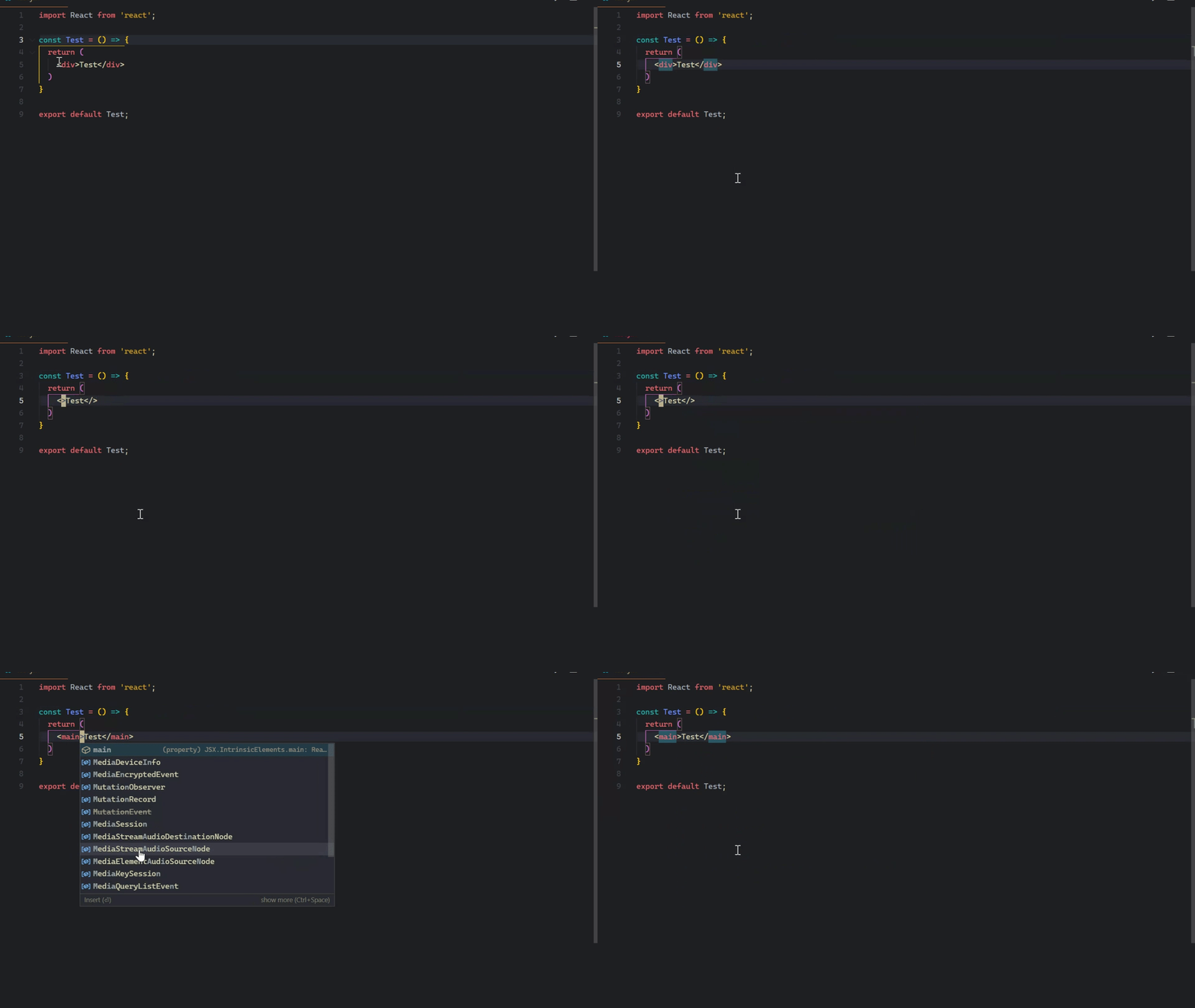
This is a must-have extension for web developers. As the name suggests, it automatically renames the second tag if the first one is modified and vice versa. And the great thing is that it works with JSX so you can use it with React too!
5. Prettier
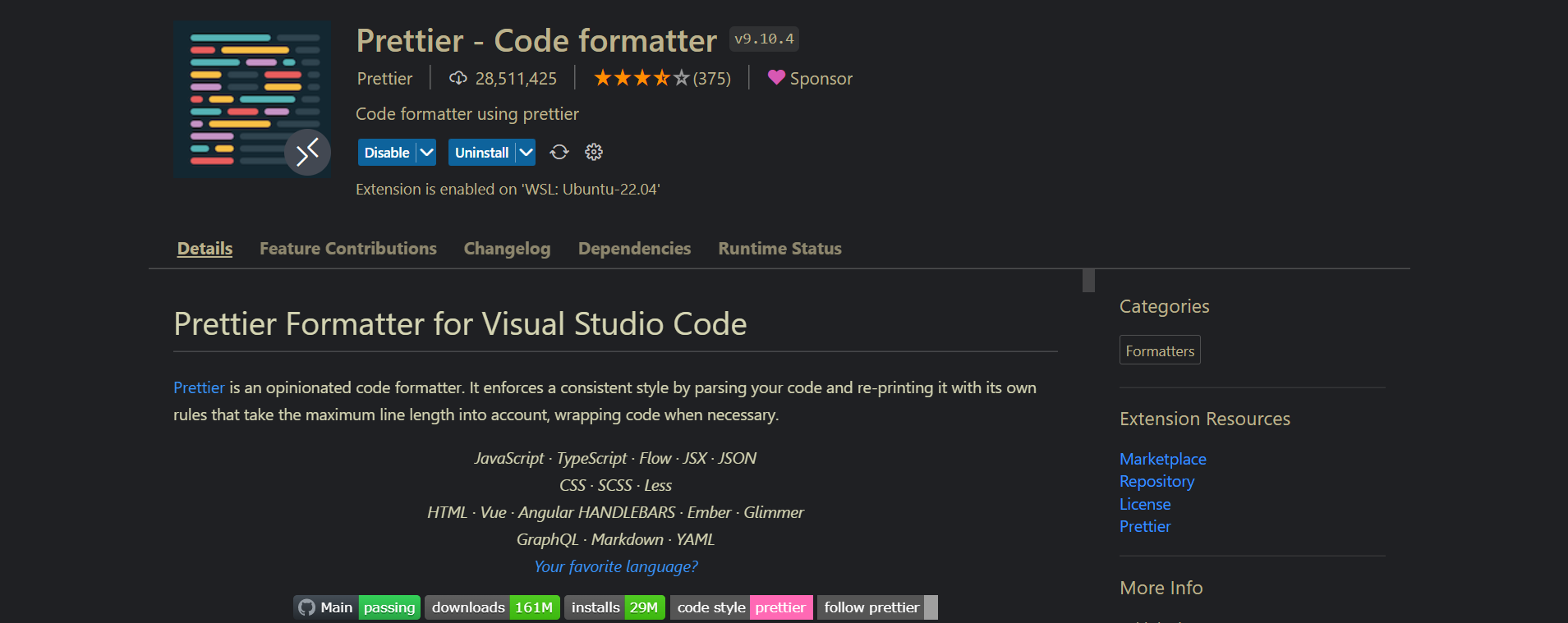
Prettier is an opinionated code formatter, which you can set up according to your preferences. It enforces consistent style by parsing your code and reprinting it with its rules that take the maximum line into account and wraps the code if necessary.
6. npm Intellisense
This provides autocomplete for npm modules in import statements i.e. introduces autocomplete behavior when you use require() to import modules into your code.
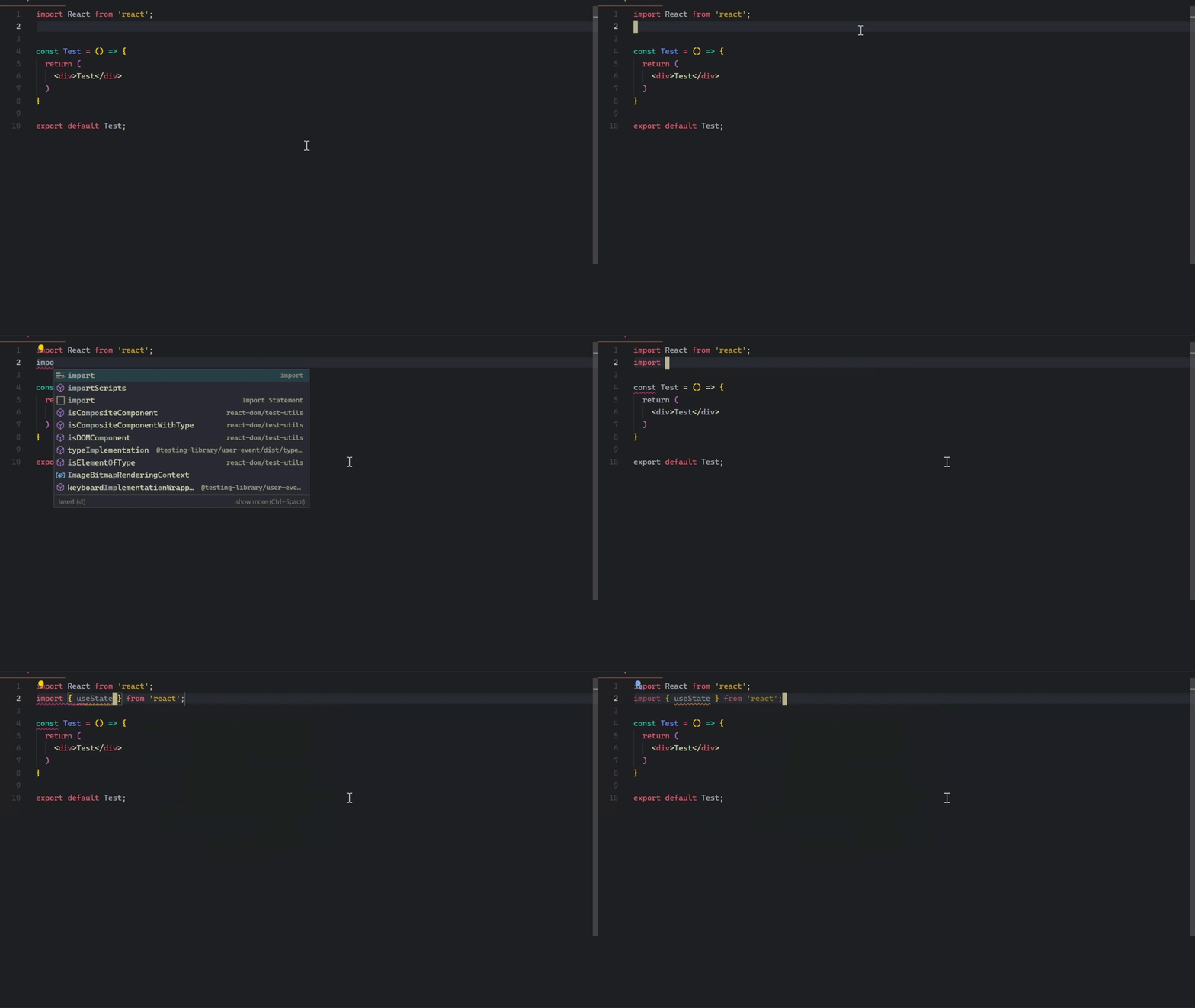
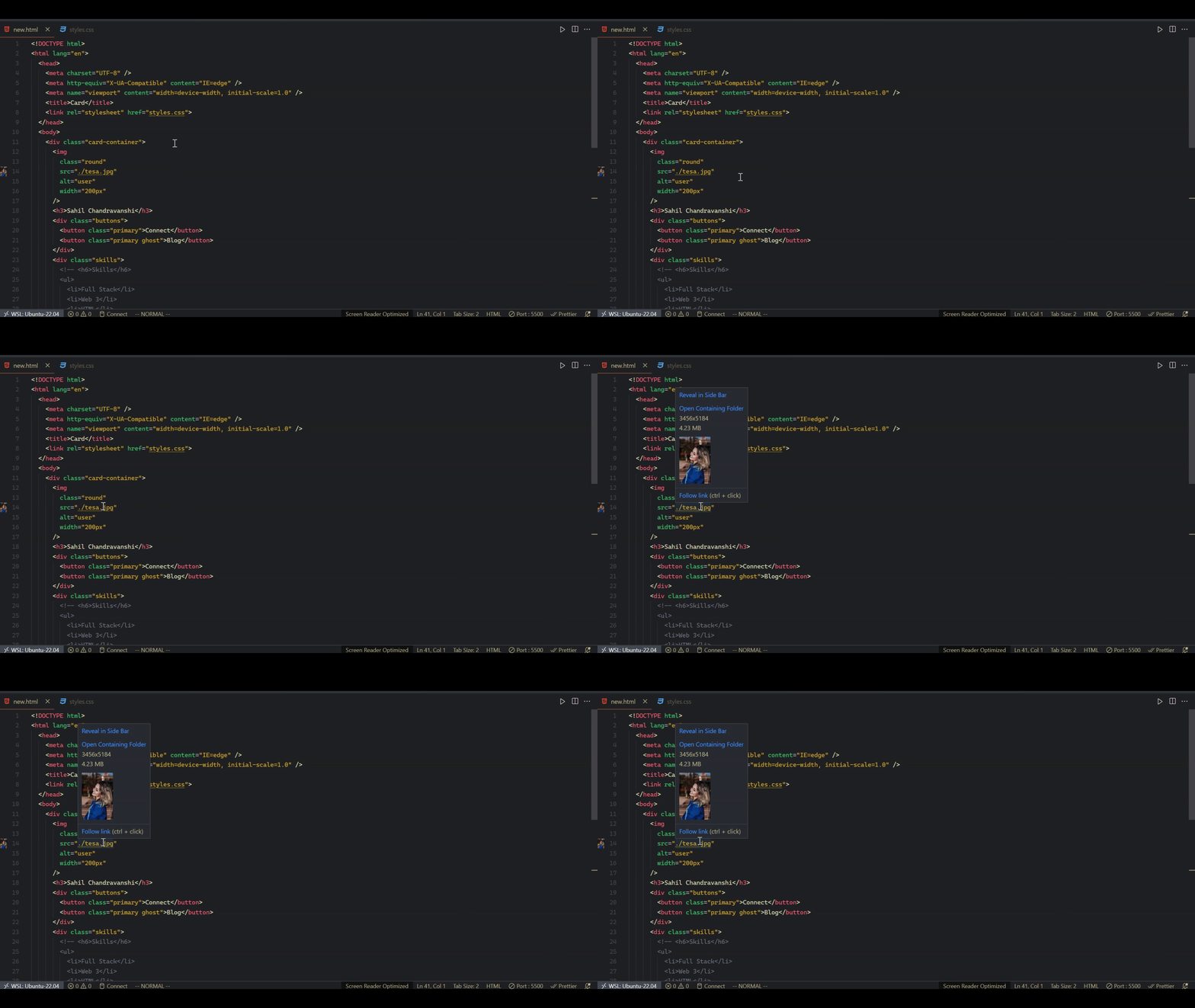
7. Image preview
Shows image preview in the gutter and on hover
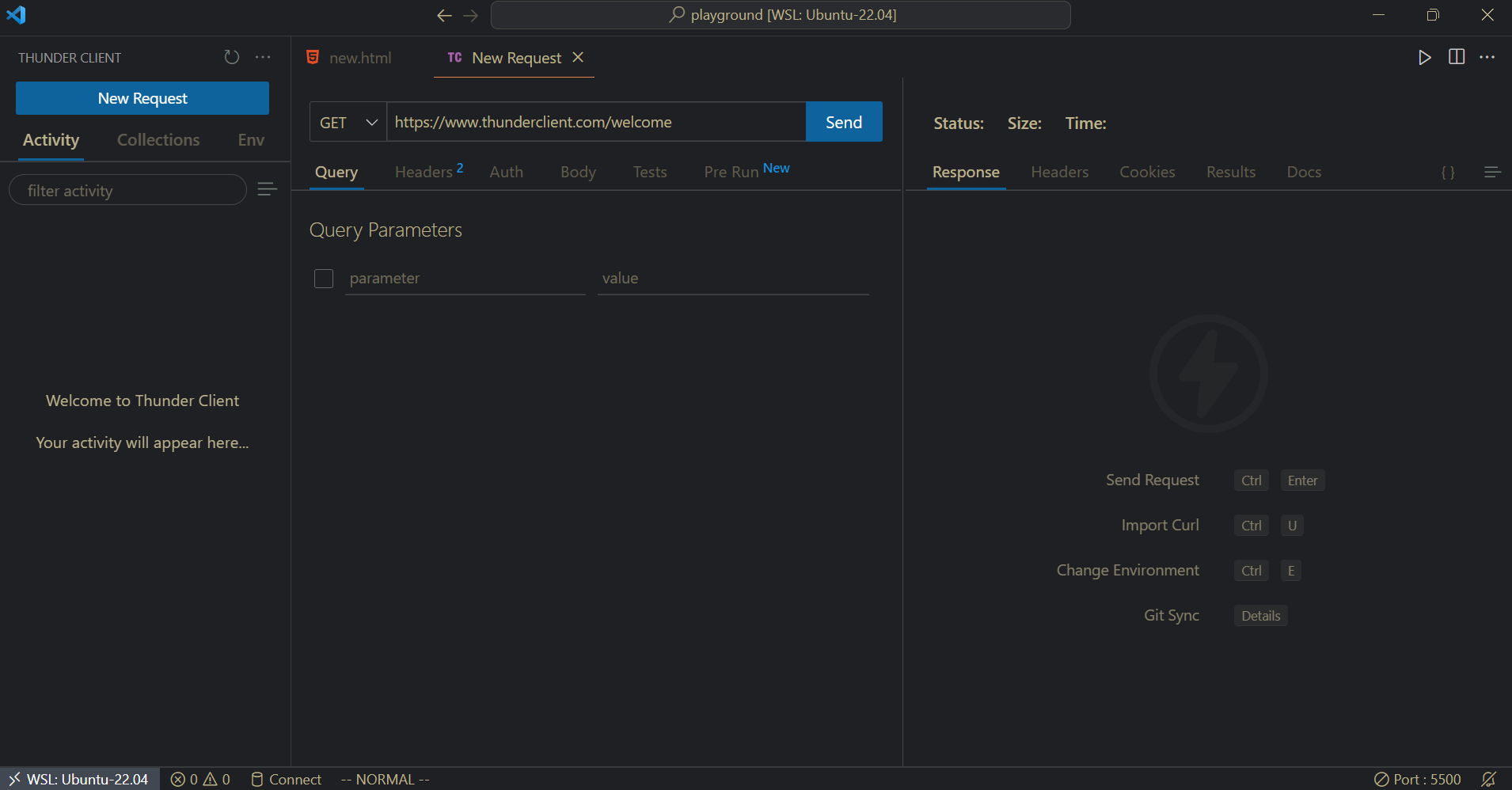
8. Thunder Client
Thunder Client is a lightweight Rest API Client Extension for Visual Studio Code
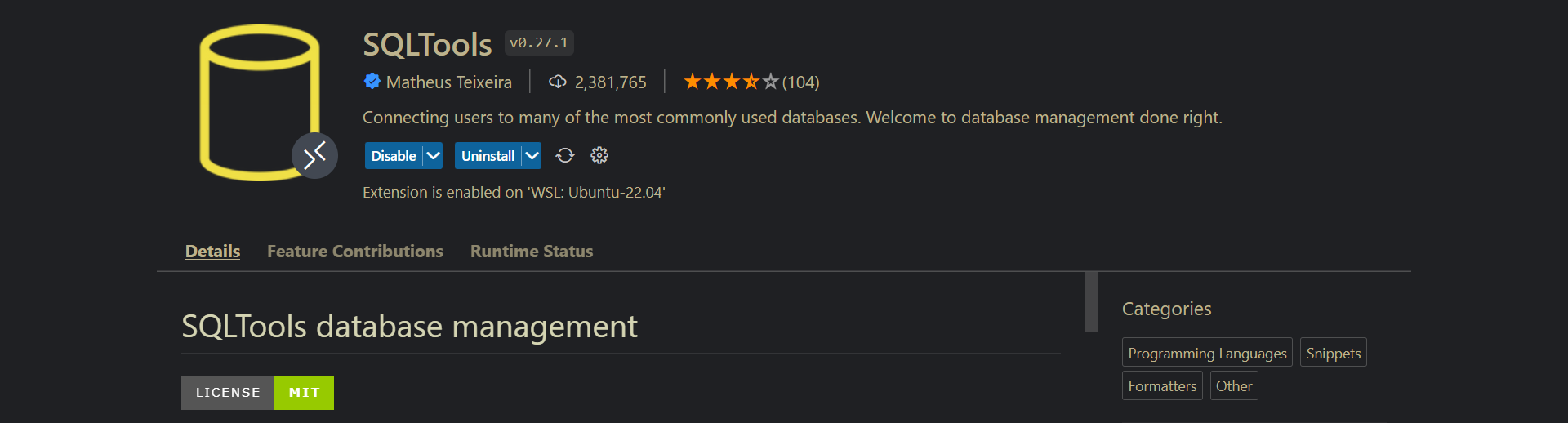
9. SQLTools
Connects to MySQL, PostgreSQL, Microsoft SQL Server and many more
If you have other suggestions which I can add to this list, please mention them in the comment section.