Mastering JavaScript Variables: A Comprehensive Tutorial
All about variables in JavaScript

I am a web3 developer and I am passionate about CyberSecurity
Also writes on Medium - medium.com/@sahilchandravanshi/
Variable
Most of the time, a JavaScript application needs to work with information. Here are two examples:
An online shop – the information might include goods being sold.
A chat application – the information might include users, messages, and groups and more.
Variables are used to store this information.
There are three different ways to make a variable, which in JavaScript we refer to as declaring a variable. They are:
var
let
const
let
A variable is a “named storage” for data. To create a variable in JavaScript, use the let keyword.
Value = undefined
A variable declared without a value will have the value undefined.
The variable message will have the value undefined after the execution of this statement:
The statement below creates (in other words: declares) a variable with the name “message”:
let message;
Now, we can put some data into it by using the assignment operator =:
// store the string 'Hey' in the variable named message
let message;
message = 'Hey';
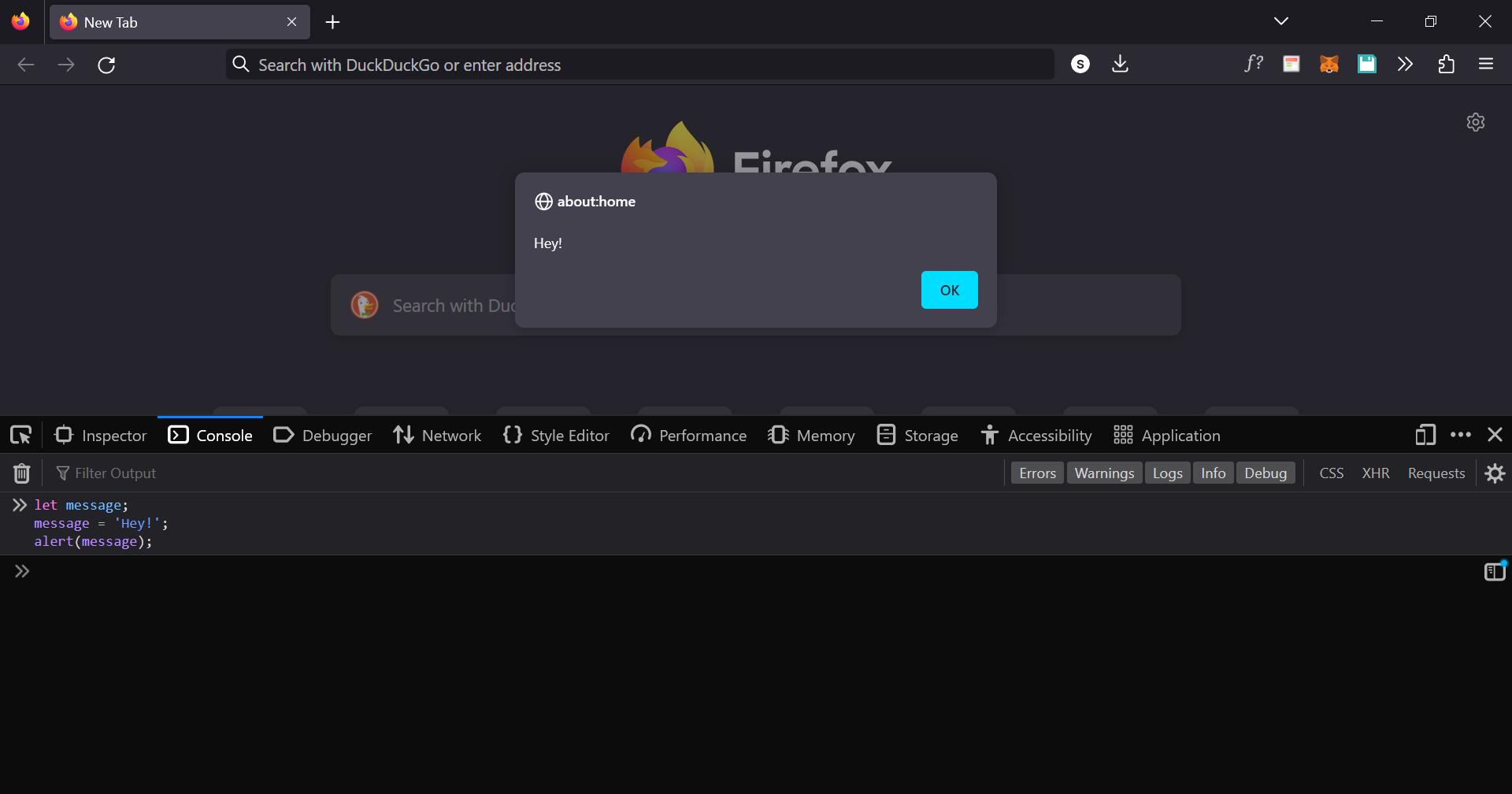
The string is now saved into the memory area associated with the variable. We can access it using the variable name:
let message;
message = 'Hey!';
alert(message); // shows the variable content
To be concise, we can combine the variable declaration and assignment into a single line:
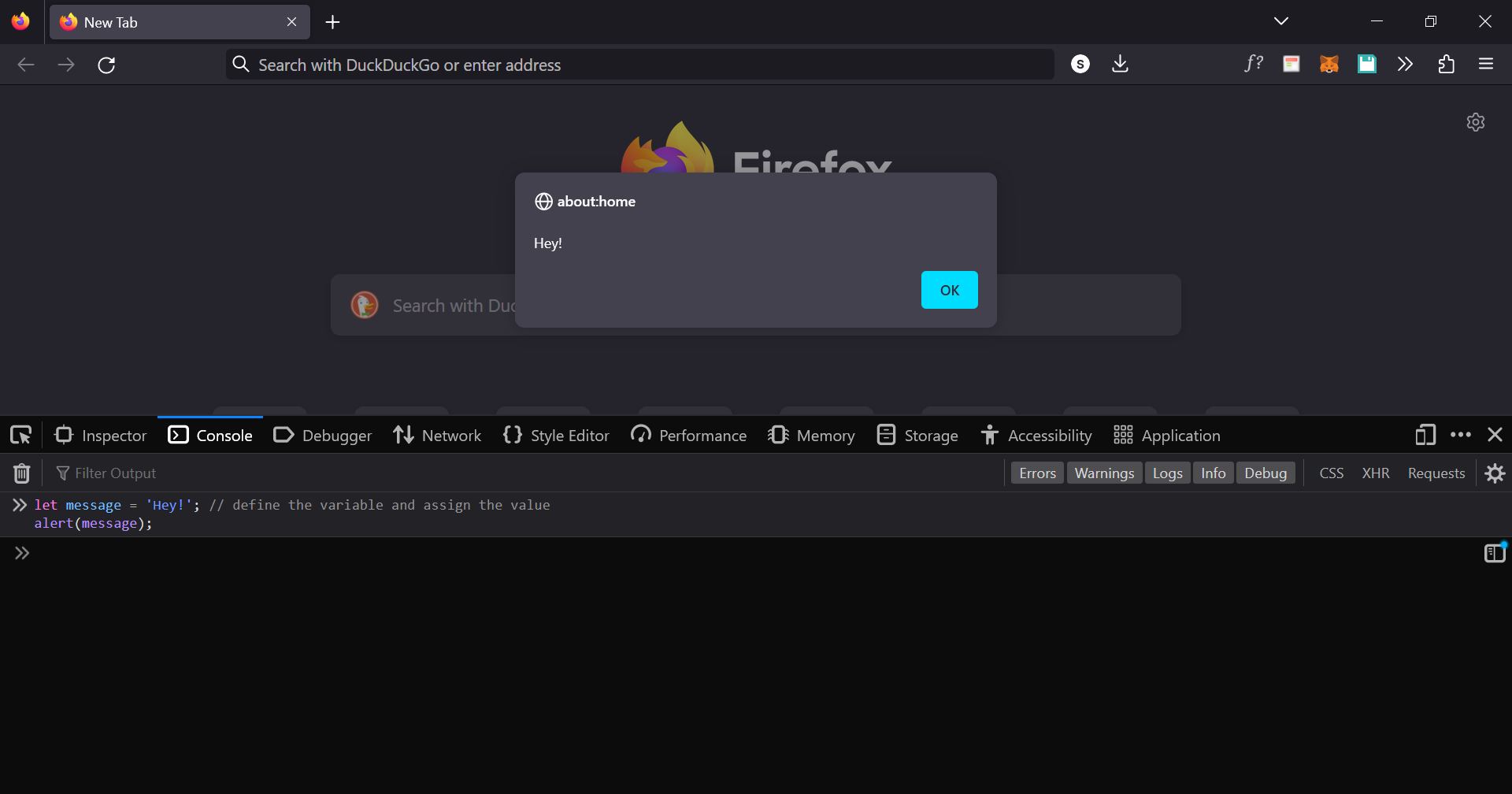
let message = 'Hey!'; // define the variable and assign the value
alert(message);
‼️Note: We can also declare multiple variables in one line
let user = 'Diksha', age = 25, message = 'Hey';That might seem shorter, but we don’t recommend it. For the sake of better readability, please use a single line per variable.
The multiline variant is a bit longer, but easier to read:
let user = 'Diksha';
let age = 20;
let message = 'Hey';
You can also define multiple variables in this multiline style:
let user = 'Diksha',
age = 20,
message = 'Hey';
Technically, all of these variations accomplish the same task. So, everything comes down to personal preference.
A real-life analogy
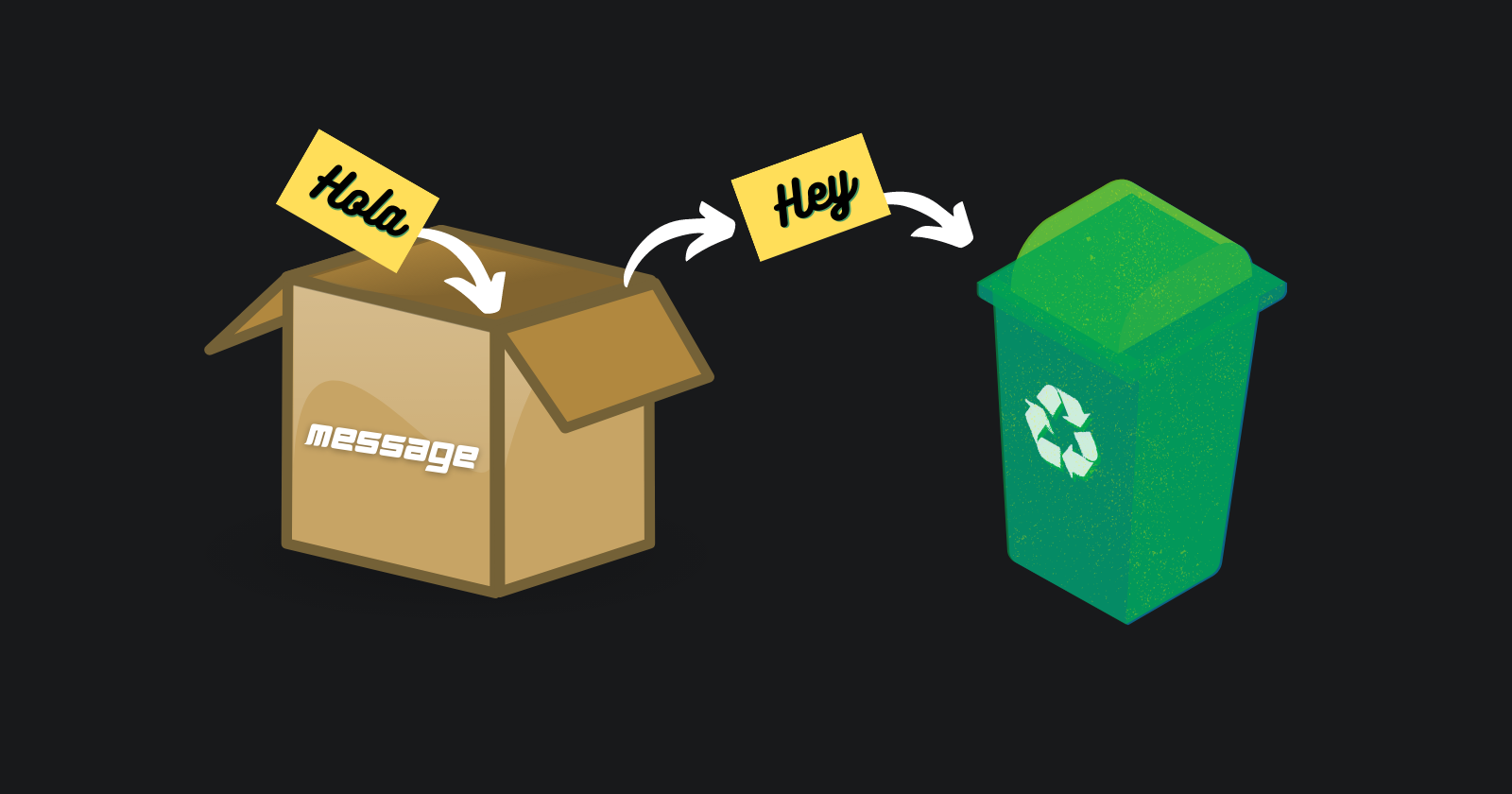
If we think of a "variable" as a "box" holding data with a uniquely labelled sticker on it.
For instance, the variable message can be imagined as a box labeled "message" with the value "Hey!" in it:

We are free to put any value in the box and to make as many changes as we like:
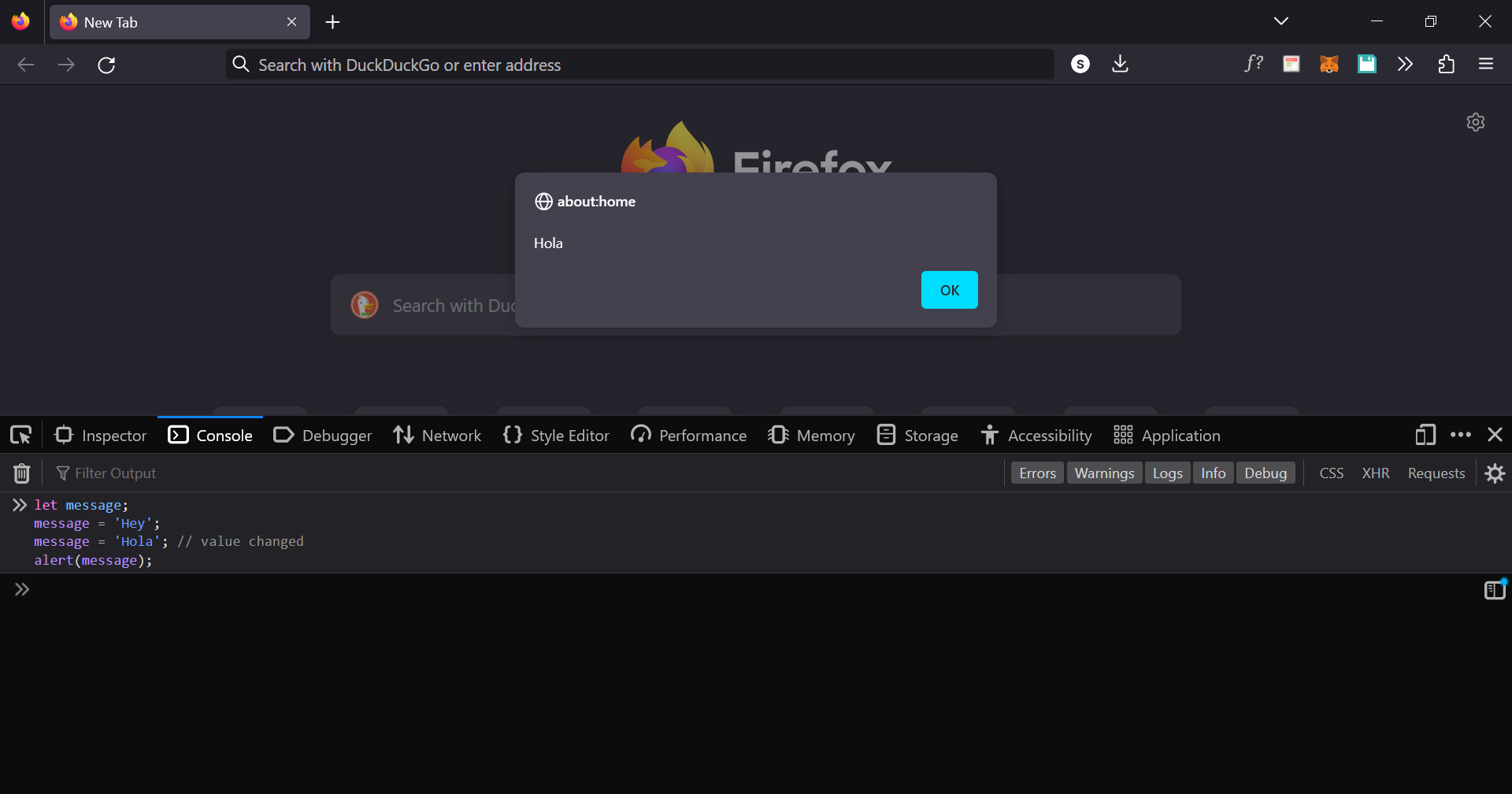
let message;
message = 'Hey';
message = 'Hola'; // value changed
alert(message);
Result:
Copy data from one variable to another
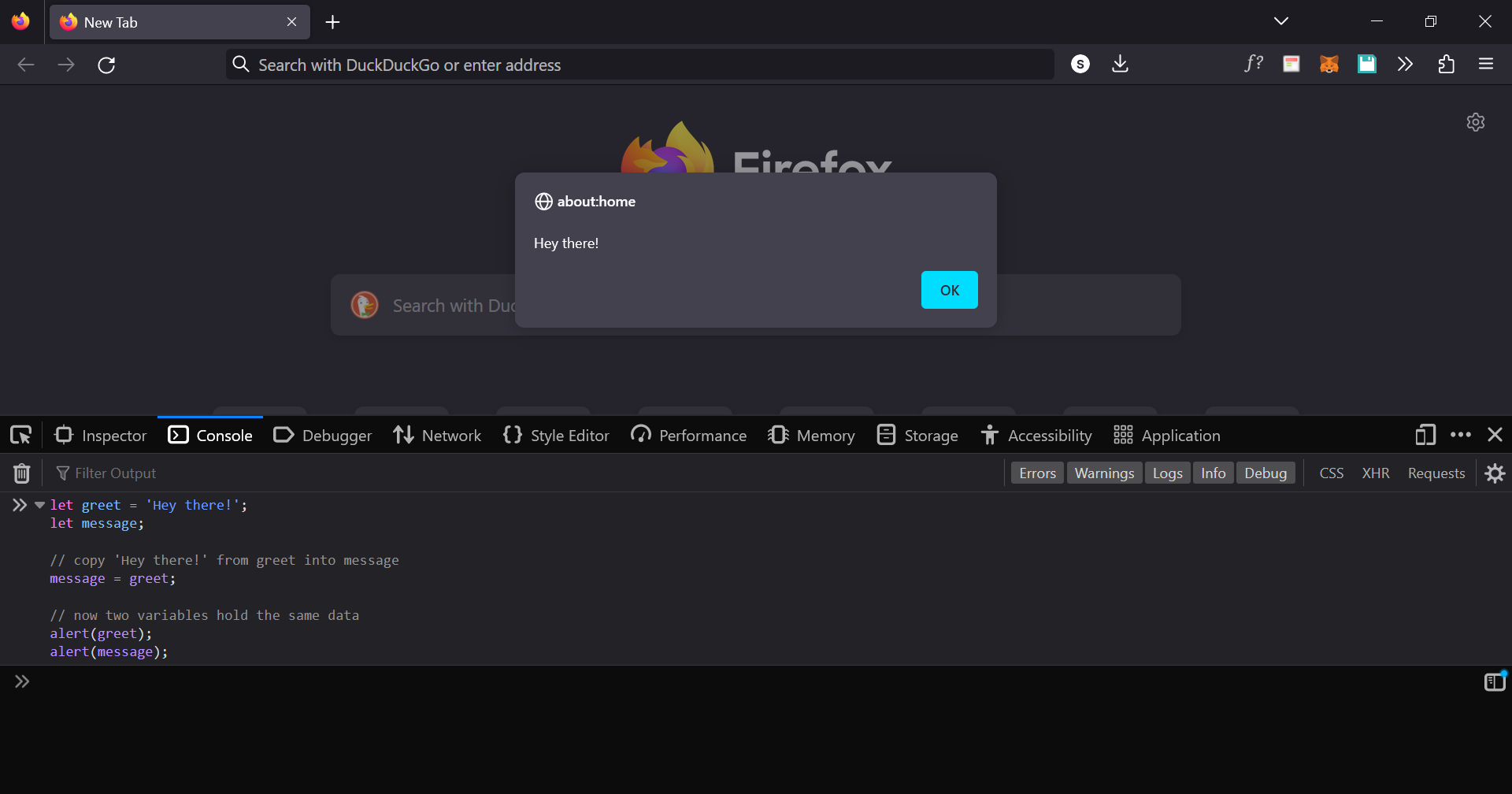
We can also declare two variables and copy data from one into the other.
let greet = 'Hey there!';
let message;

// copy 'Hey there!' from greet into message
message = greet;

// now two variables hold the same data
alert(greet);
alert(message);
❌ A repeated declaration of the same variable is an error
let message = "one";
// repeated 'let' leads to an error
let message = "two";
// SyntaxError: 'message' has already been declared
Therefore, we should declare a variable only once and then refer to it without
let

Variable naming
There are three limitations on variable names in JavaScript:
Names can contain letters, digits, underscores, and dollar signs.
Names must begin with a letter.
Names can also begin with
$and_.
⚠️ Note:
Variable names are case-sensitive (y and Y are different variables).
Certain terms such as reserved words in JavaScript shouldn't be used to name variables.
Examples of valid names:
let userName;
let word123;
When the name contains multiple words, camelCase is commonly used. For example: webDevelopment.
The dollar sign '$' and the underscore '_' can also be used in names.
Const
To declare a constant (unchanging) variable, use const instead of let:
const myName = 'Sahil';
❌ Note: Variables declared using
constare cannot be reassigned. An attempt to do so would cause an error:
const myName = 'Sahil';
myName = 'sahilChandravanshi'; // error, can't reassign the constant!
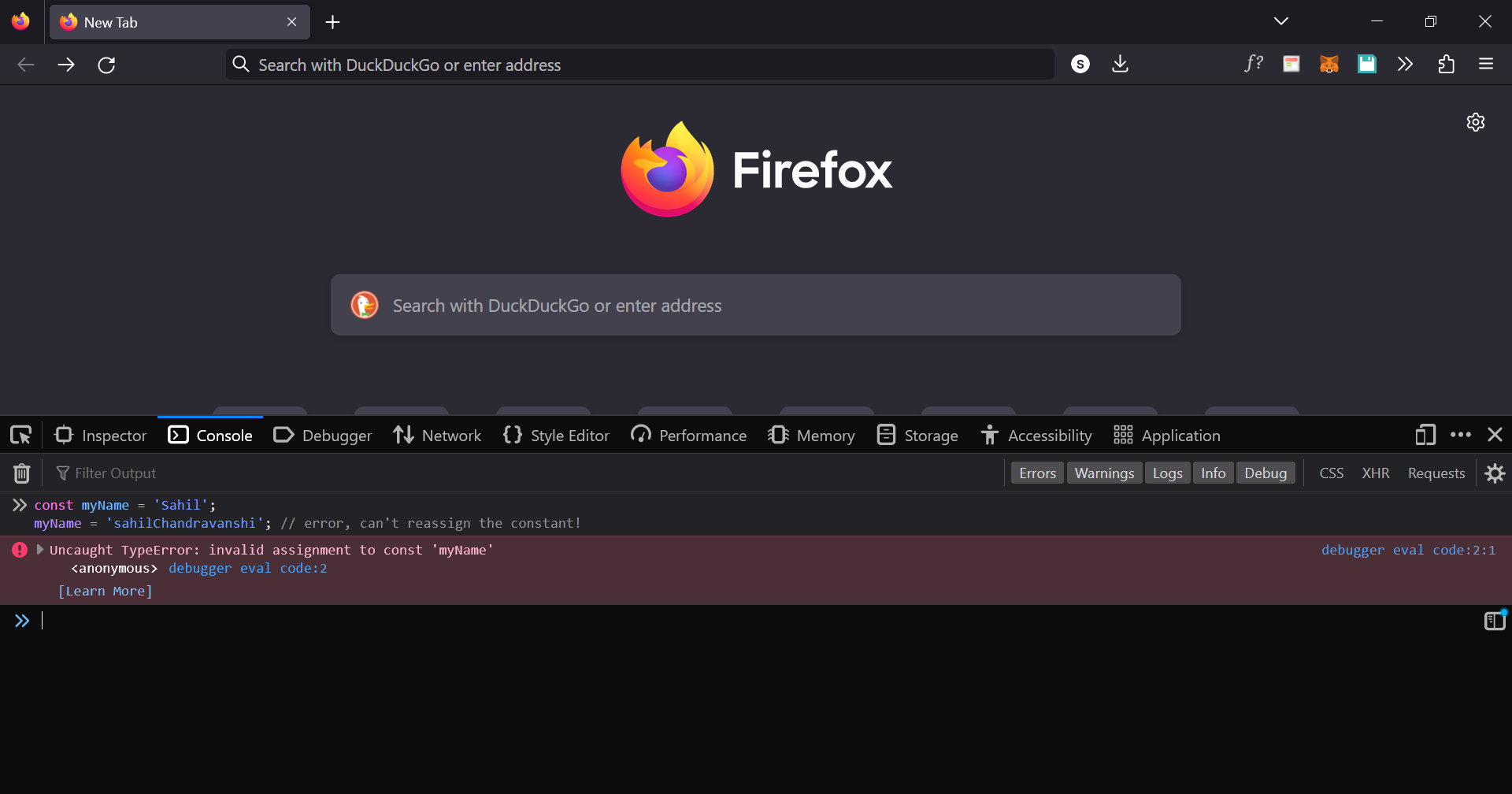
When a programmer is sure that a variable will never change, they can declare it with const .
var
⚠️ In older scripts, you may also find another keyword:
varinstead oflet
JavaScript
var message = 'Hey';The
vardeclaration is similar tolet. It also declares a variable but in a slightly different, “old-school” way.There are slight differences between
letandvarbut most of the time we can replaceletwithvarand vice-versa. For now, these differences do not matter for us yet. I'll cover these differences in detail in a later article.
Name things right
The meaning of a variable name should be unambiguous and describe the information it contains.
Variable names can quickly distinguish between code written by a newbie developer and code produced by an expert developer.
Some good-to-follow rules are:
Use human-readable names like
userNameorshoppingCart.Stay away from abbreviations like
a,b,c, unless you really know what you’re doing.Make names maximally descriptive and concise.
If you have any difficulties or questions, please make a comment.