9 Browser Extensions for Web Developers
Essential Extensions and Add-ons that a developer needs to increase productivity and speed.

I am a web3 developer and I am passionate about CyberSecurity
Also writes on Medium - medium.com/@sahilchandravanshi/
If you work as a developer or designer, you probably already have a collection of go-to Browser extensions. extensions that simplify your life, increase your productivity or do a necessary activity more effectively than a specific tool. This list may build on that collection.
As the vast majority of us use Firefox and Chrome, it makes sense to consider Firefox and Chrome extensions. I recommend you to use Firefox but you can use Chrome according to your liking (while chrome isn’t big on privacy, it certainly aces productivity!
Extensions / Add-Ons
WhatFont
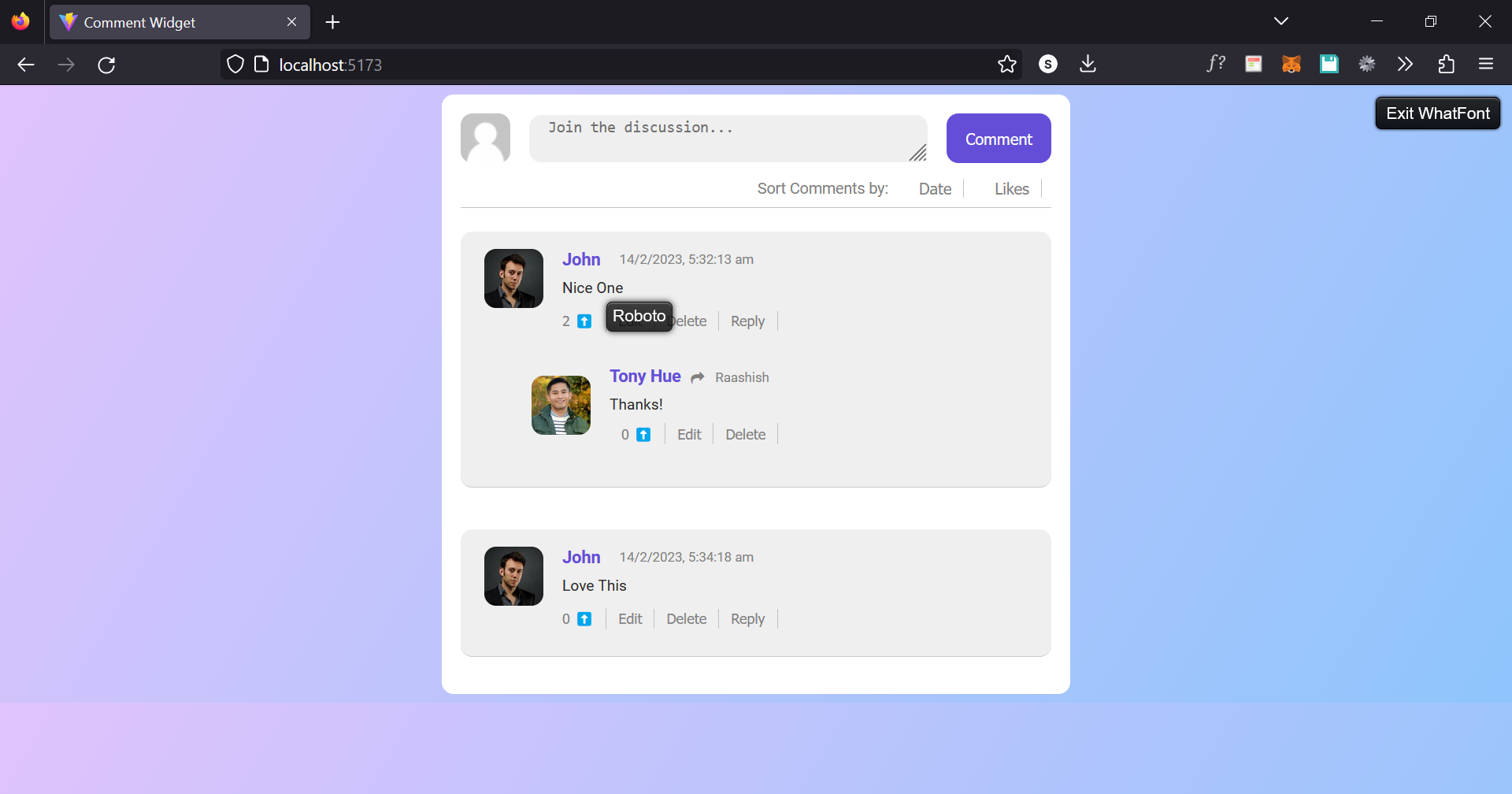
For developers who want to know what fonts are being used on websites, WhatFont is a very helpful Chrome extension. It can quickly and accurately distinguish between different typefaces on a page. Along with that, it describes the family, size, weight, and color. All in a little pop-up window within the browser.
ColorZilla
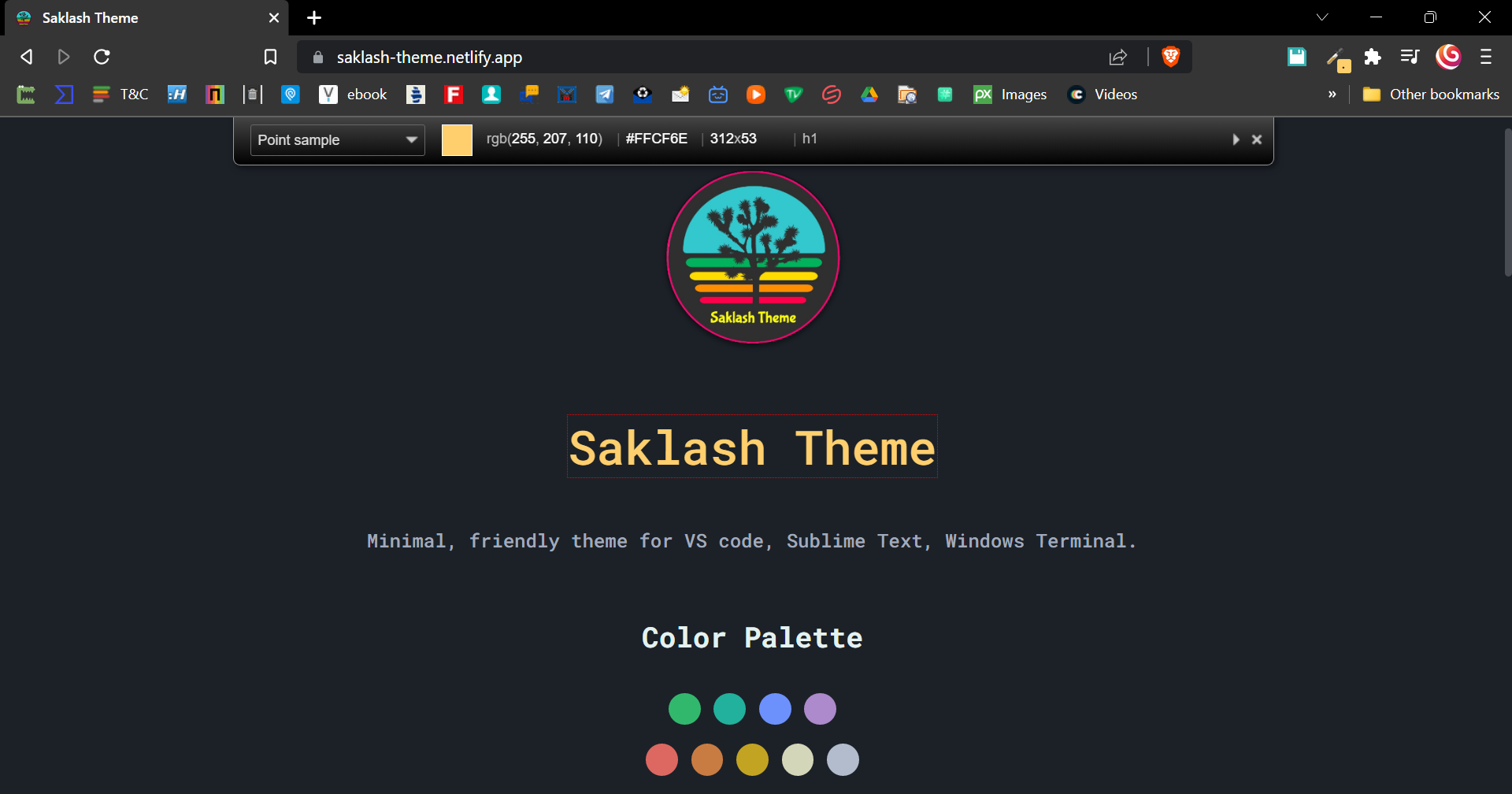
ColorZilla is a superb Browser extension/add-on for color selection. It includes an eyedrop color selector, a color history tool, a CSS gradient analyzer and a page analyzer that assesses colors on a web page.
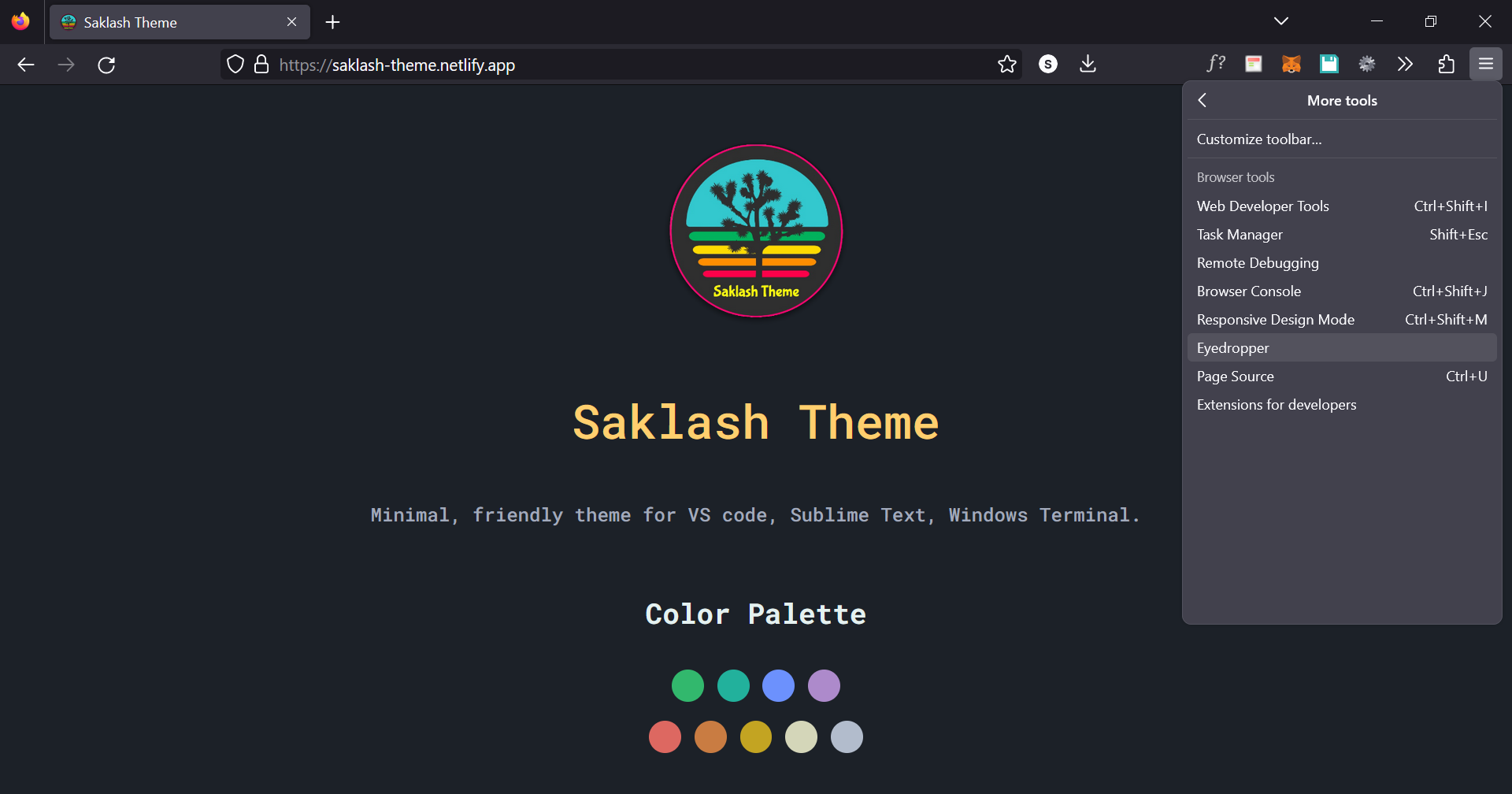
📝 If you want a color picker in Firefox then you don't need to install an extra add-on, this is a built-in feature in Firefox.
And, It works well
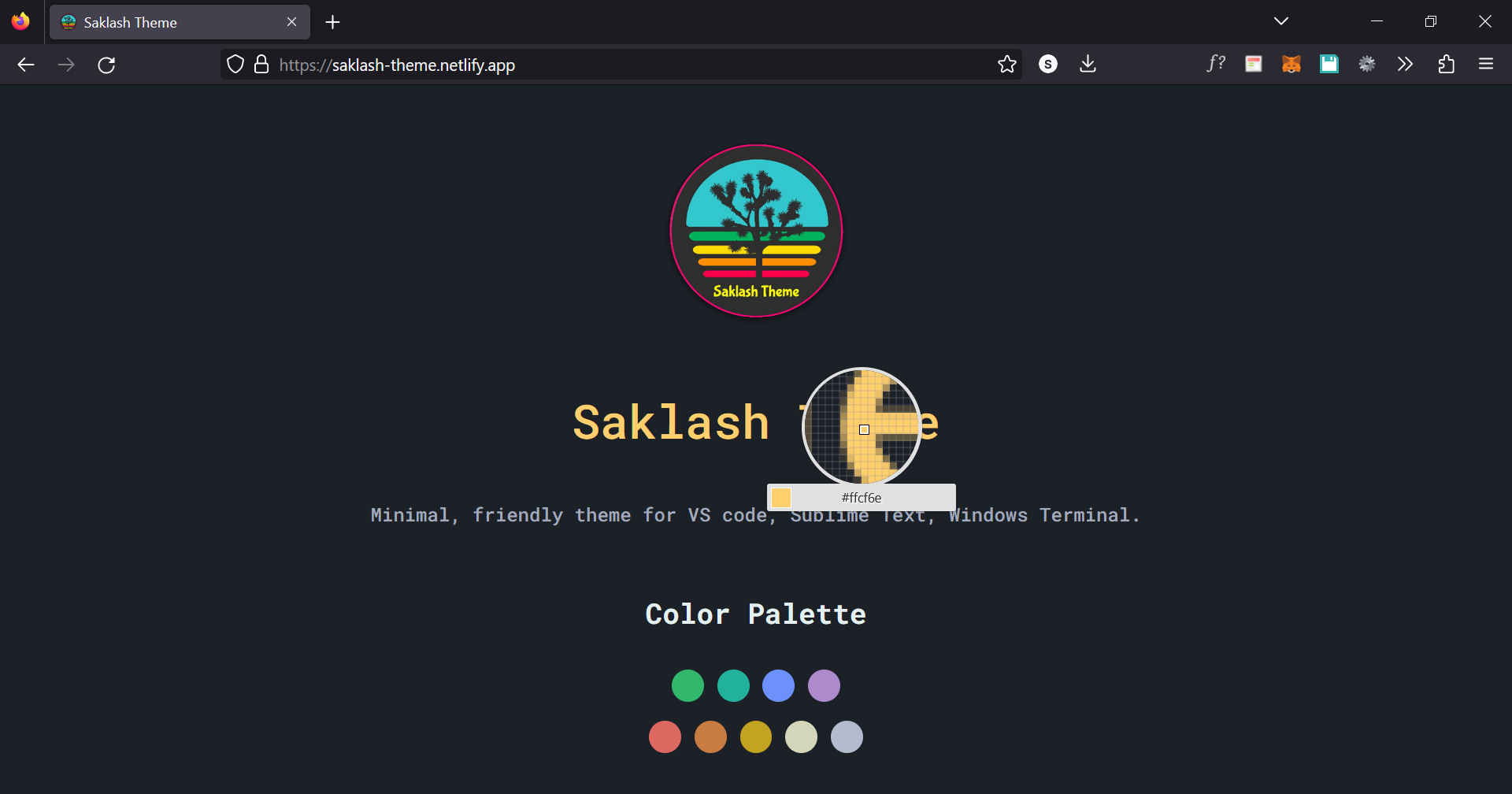
CSS Viewer
CSS Viewer is a simple yet effective Chrome extension for web developers. It displays the CSS properties of a page when you hover your mouse over it. A small popup window appears, providing the CSS data of the element you're pointing at.
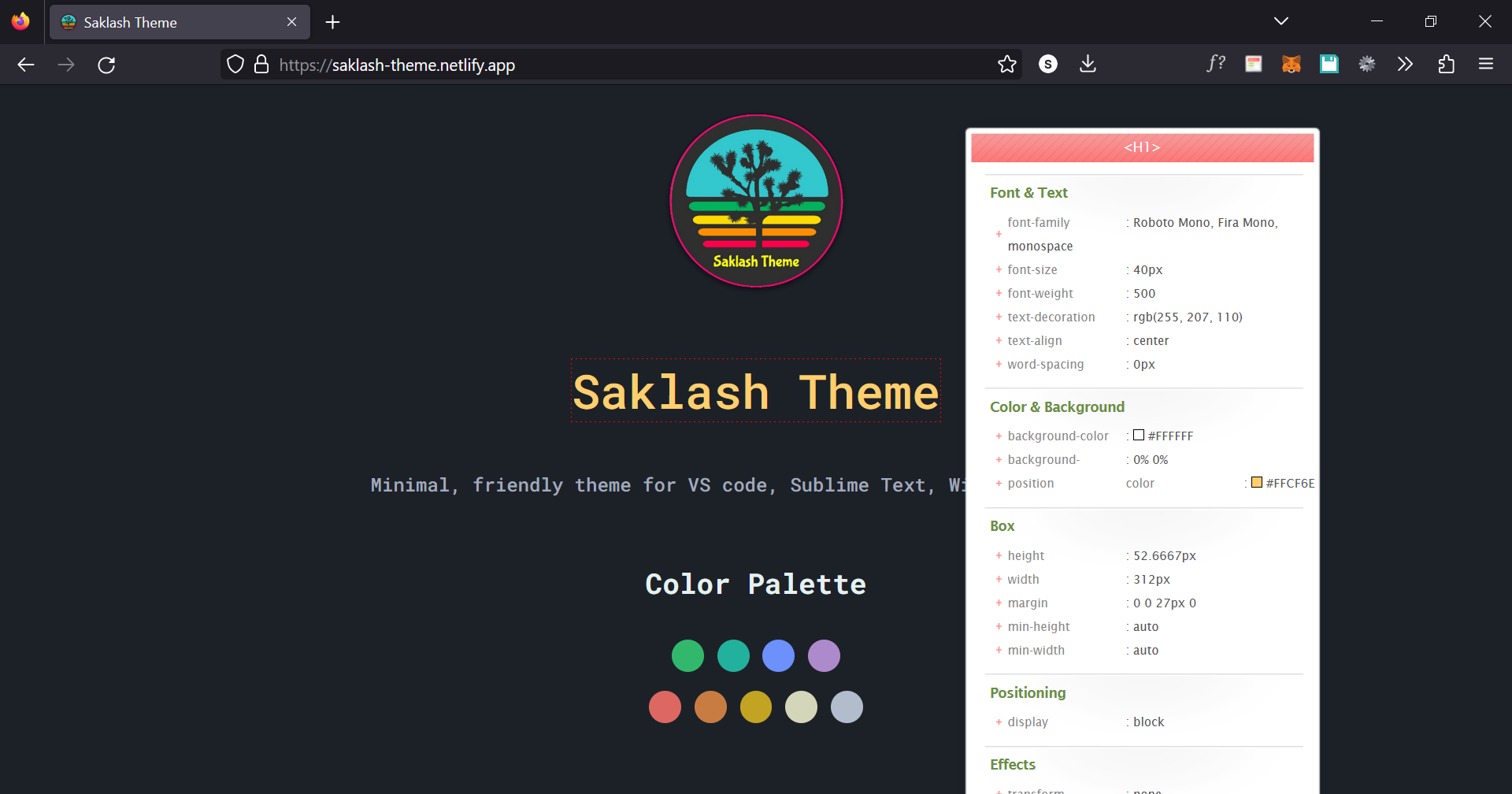
JSON Formatter
Makes JSON easy to read. Open-source.
This extension auto-formats JSON when you load it in a browser tab, making it easier to quickly absorb and use. Working with raw JSON data is still an option if you have the time.
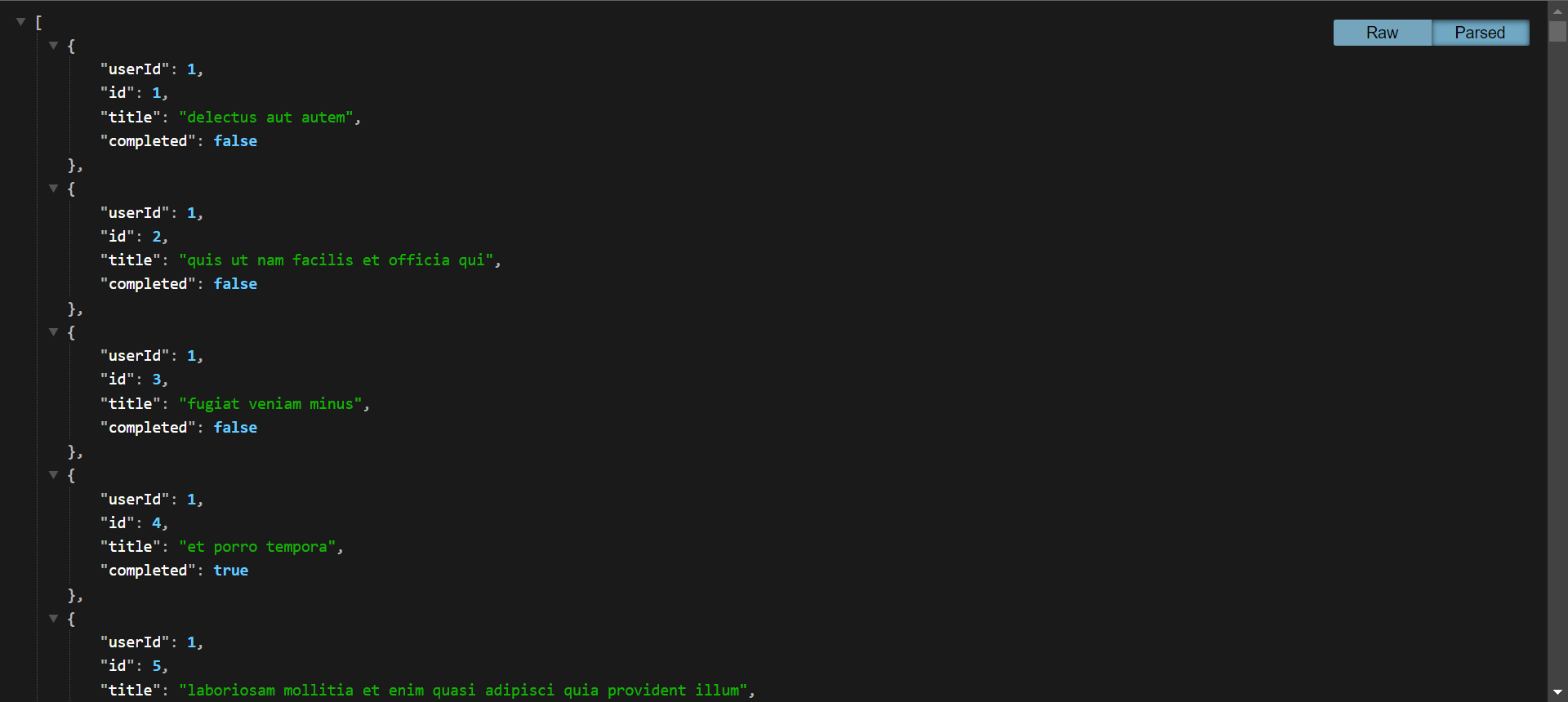
It’s a small Chrome developer extension but it’s well worth checking out.
Get this for - Chrome
Again, Firefox does not need an Add-On for that, this feature comes built-in. It automatically formats the data upon loading and has some more features.
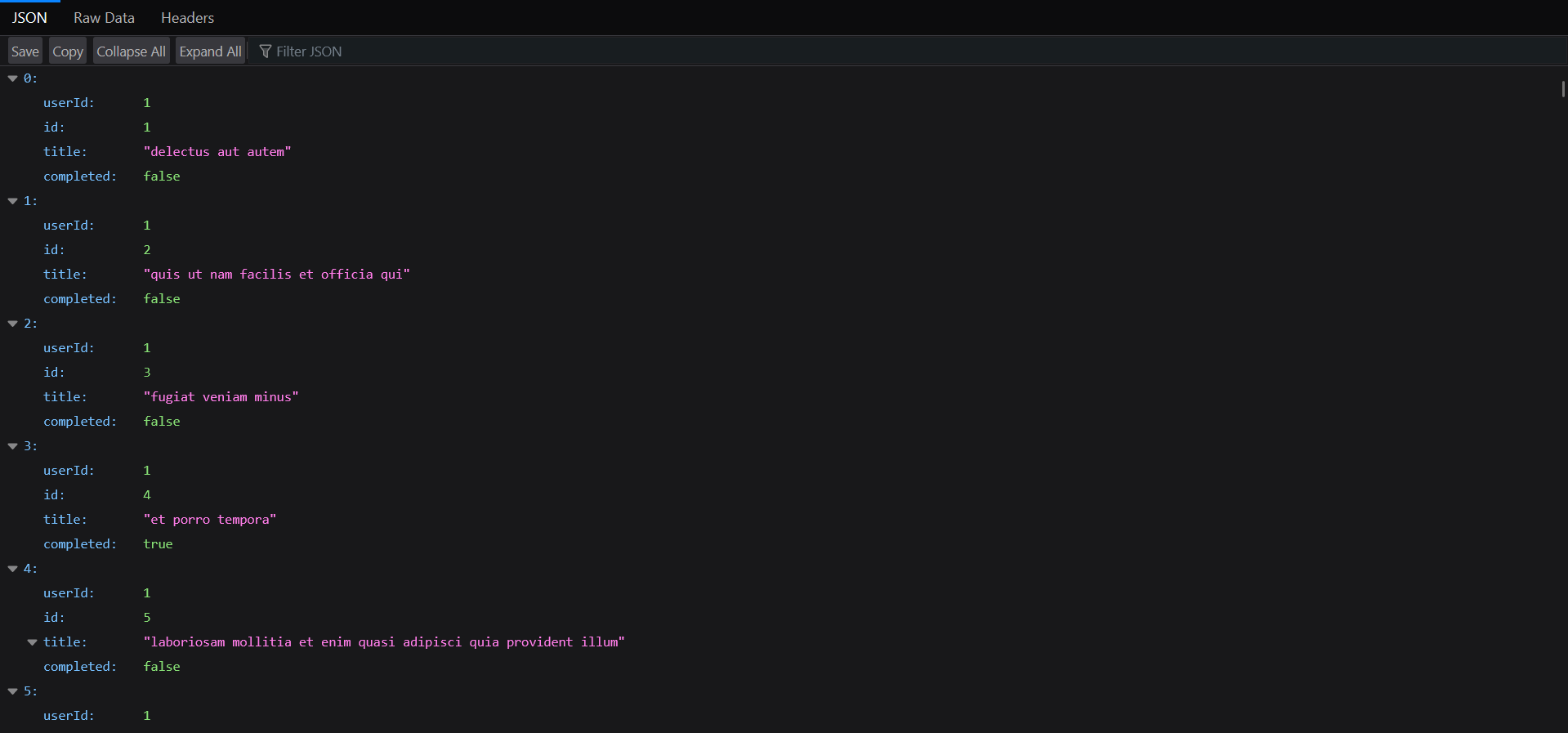
React Developer Tools
React Developer Tools are designed specifically for the open-source React JavaScript library. If you're working with React, this extension can help you inspect the library when needed.
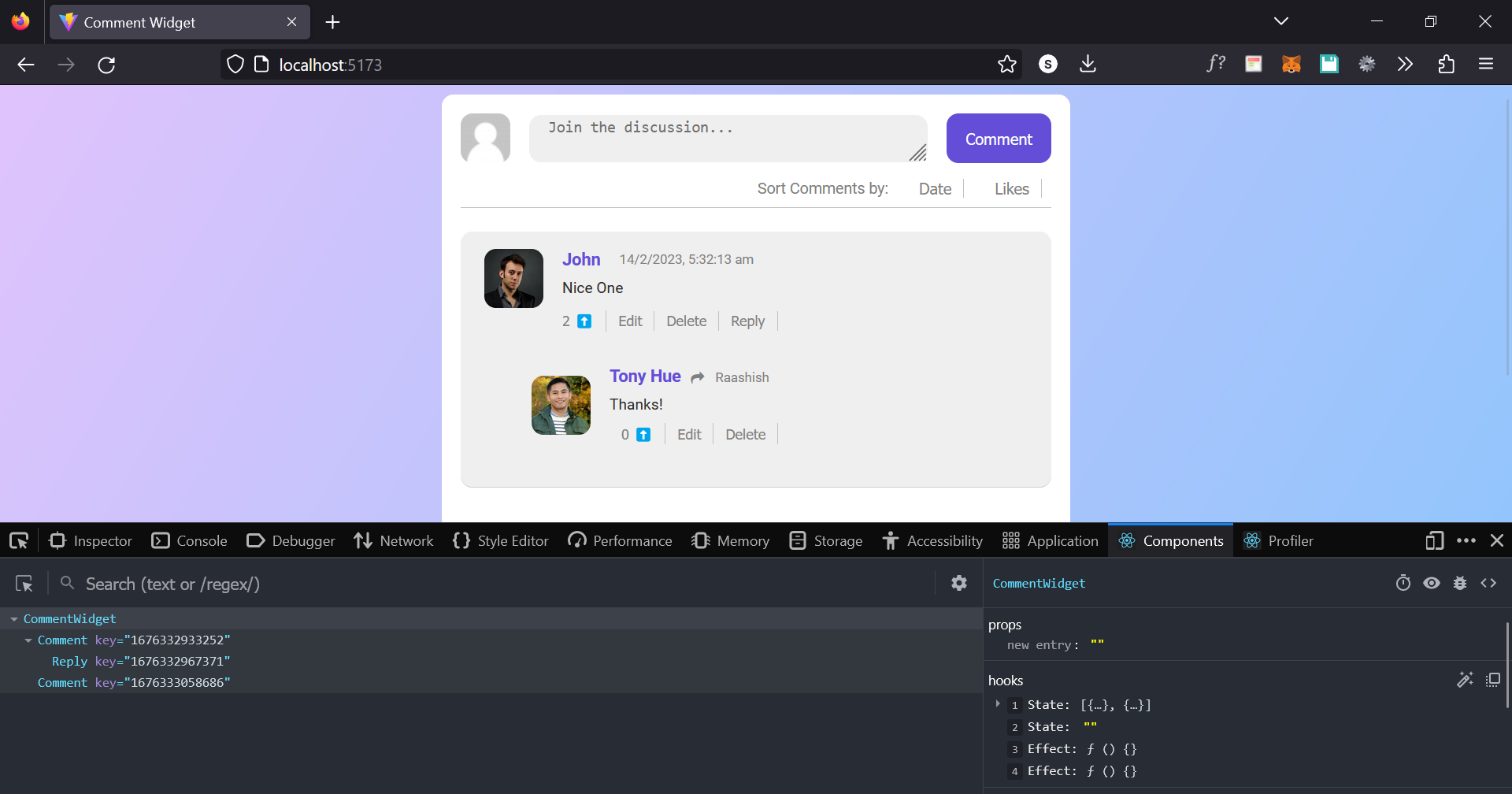
Install the extension and two icons will appear in the Chrome toolbar. One is for Components and the other for Profiler. Components reveal what React is using on the page, while Profiler provides performance data. If you work with React, this is an essential tool to have!
Window Resizer
Window Resizer is an incredibly useful Chrome extension for web developers. It's simple yet effective, especially when dealing with responsive designs or apps. Chrome users can install it and resize any screen they're working on to various popular sizes.
Chrome’s original testing tools take up a lot of extra space which is now solved by this extension.

Common sizes are covered: mobile, tablet, and desktop. The emulation is highly accurate.
Get this for - Chrome
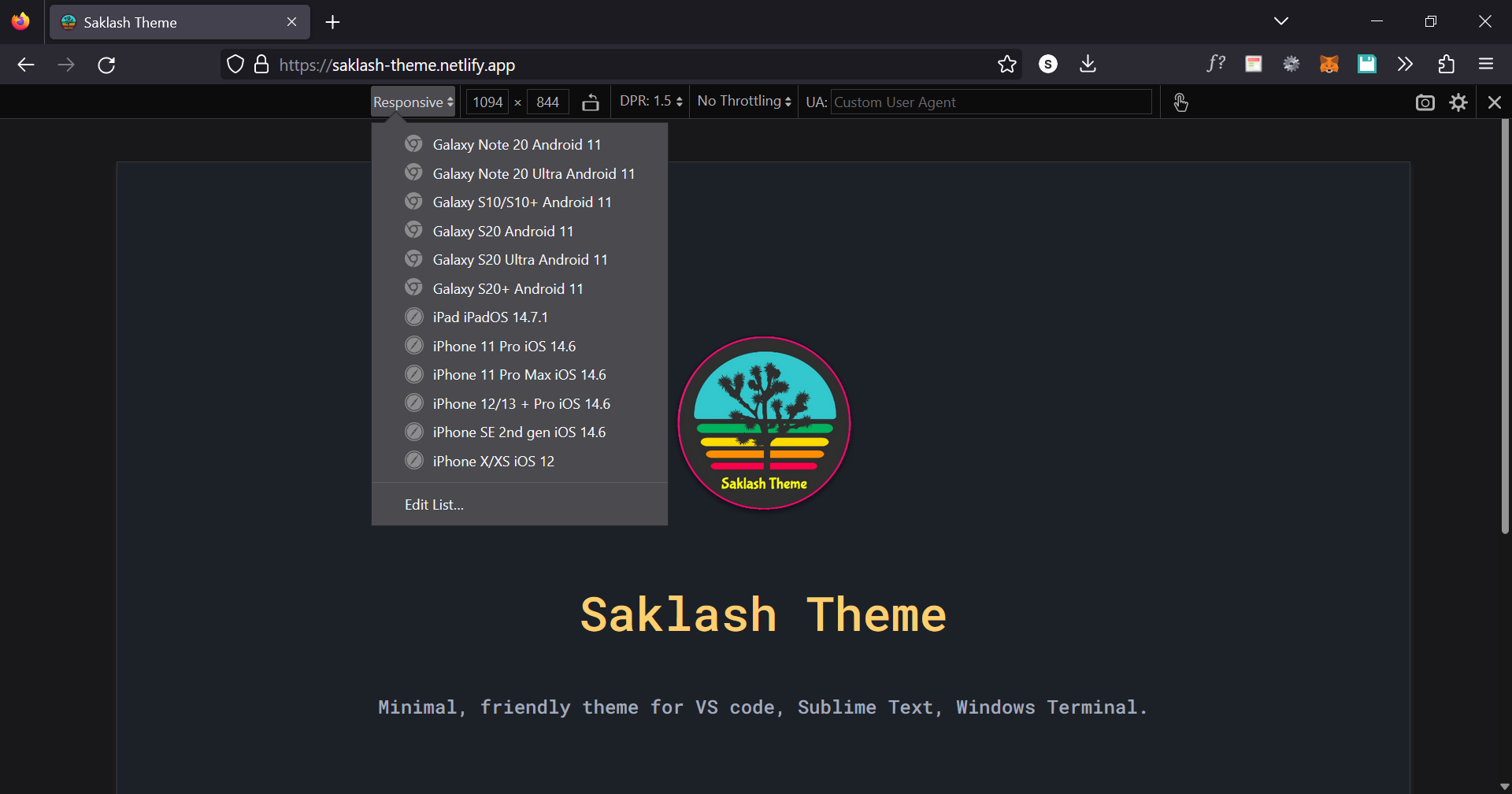
📝 Firefox's Responsiveness testing is much better than chrome's default one.
It does not acquire extra space with the developer toolbar. You can just close the developer toolbar and still use this feature in Firefox.
Quick Tip: Press
CTRL + SHIFT + Mto access this feature in Firefox.
Web Developer
One Chrome extension houses the whole toolbox for Web Developer.
Even though it is labeled "Web Developer," we believe this tool is appropriate for all developers because it includes a variety of helpful features that every developer may utilize.

Once chosen, a tiny dropdown window with several options arranged into tabs should display. To access the tools inside, choose a tab.
Wappalyzer
Wappalyzer is a very useful tool for figuring out what technologies are used to create web pages. Web services, CMS types, analytics tools, plugins, JavaScript libraries, and a variety of additional programs are instantly identified. This is one technique to discover the mysteries concealed within a page.

Tab Session Manager
Tab Session Manager is another tool useful for developers and any type of web user. It is a "save it for later" utility that allows you to save all open tabs for access at a later time. When you find something you want to read later or to maintain productivity if you open many tabs, it is helpful.
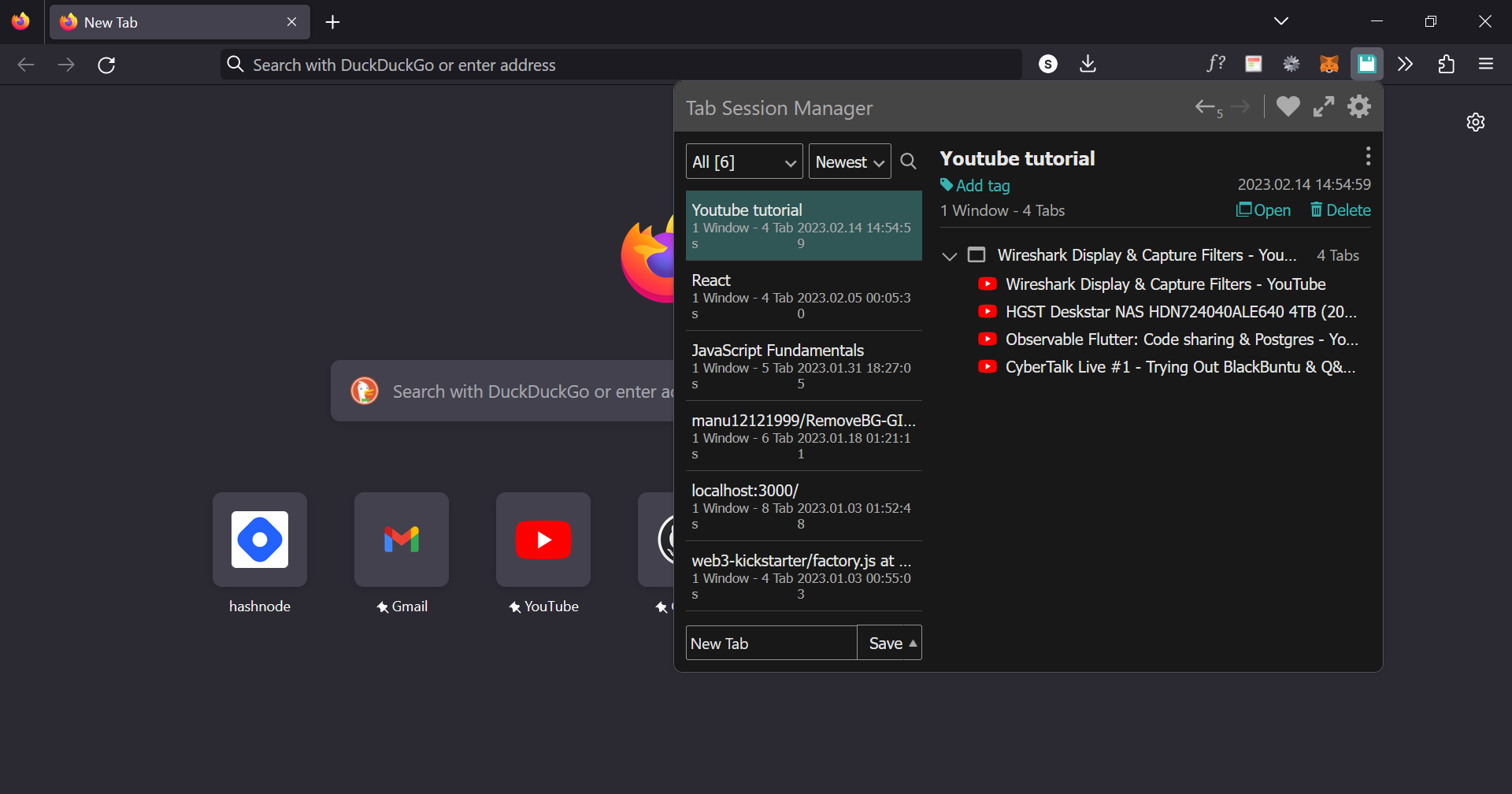
You may personalize it to your preferences, and it enables automatic saving and cloud sync.
Honorable Mention
Daily.dev
Although daily.dev isn't specifically a productivity tool, it certainly makes our life a lot simpler. It is a news aggregator with a focus on breaking development stories. It displays a page packed with relevant articles from blogs and other online sources.
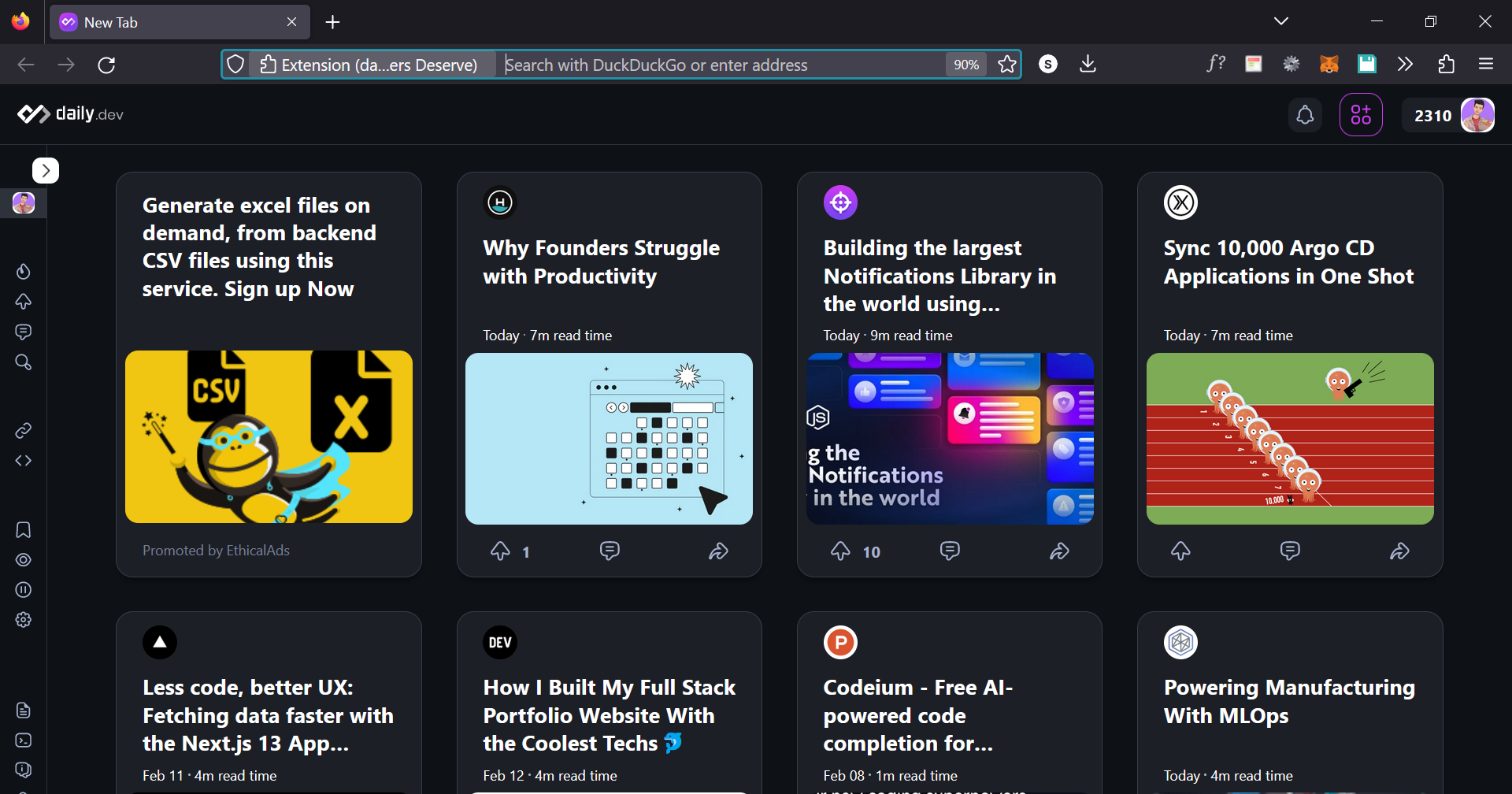
Each article opens on a separate tab and contains a variety of news, reviews, tips, how-tos, and other useful information that helps us continue to advance as developers.
Summary
This list of the best Chrome extensions for developers is diverse, to say the least. Some tools are useful for every type of developer, as well as some specialized ones, fit for narrower niches.
I hope you take away from this article, a couple of new developer tools to make your life easier.
Do you have any Firefox or Chrome developer Add-On/extensions to recommend? Use any of the above and want to share your opinion. Feel free to comment it down!